Learn TouTouBot, one short video at a time
Step-by-step videos in Khmer for every part of your shop. English and Chinese versions are on the way. Pick a chapter and press play.
For shop owners
01 · Chapter6 videos
Open your shop
O01
First sign-in and the setup wizard: shop type, payments, profile and theme
O02
Connect your Telegram bot: create it with BotFather, link it by QR, add the Shop button
O04
Your plan: see it, renew it, upgrade to PRO or ULTRA
O03
Make the Online Store yours: logo, cover photo, featured category, languages, and your shop link
O05
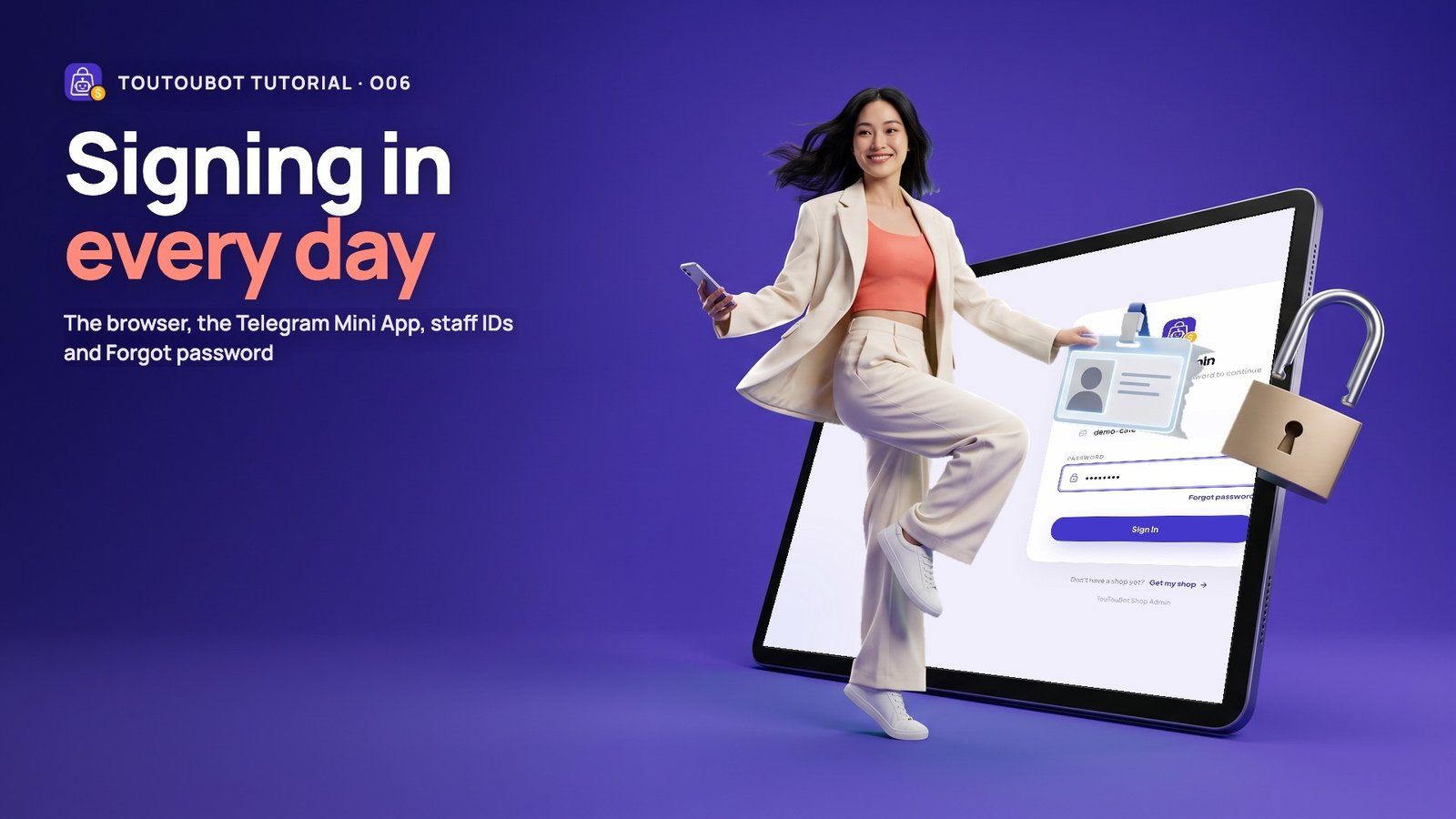
Signing in every day: the browser, the Telegram Mini App, staff IDs and Forgot password
O06
02 · Chapter5 videos
Products
Add your first product: photo, name, price and stock
O07
Share a product link anywhere: Facebook, Instagram, TikTok, Messenger
O38
Sizes, colours and a different price for one size
O08
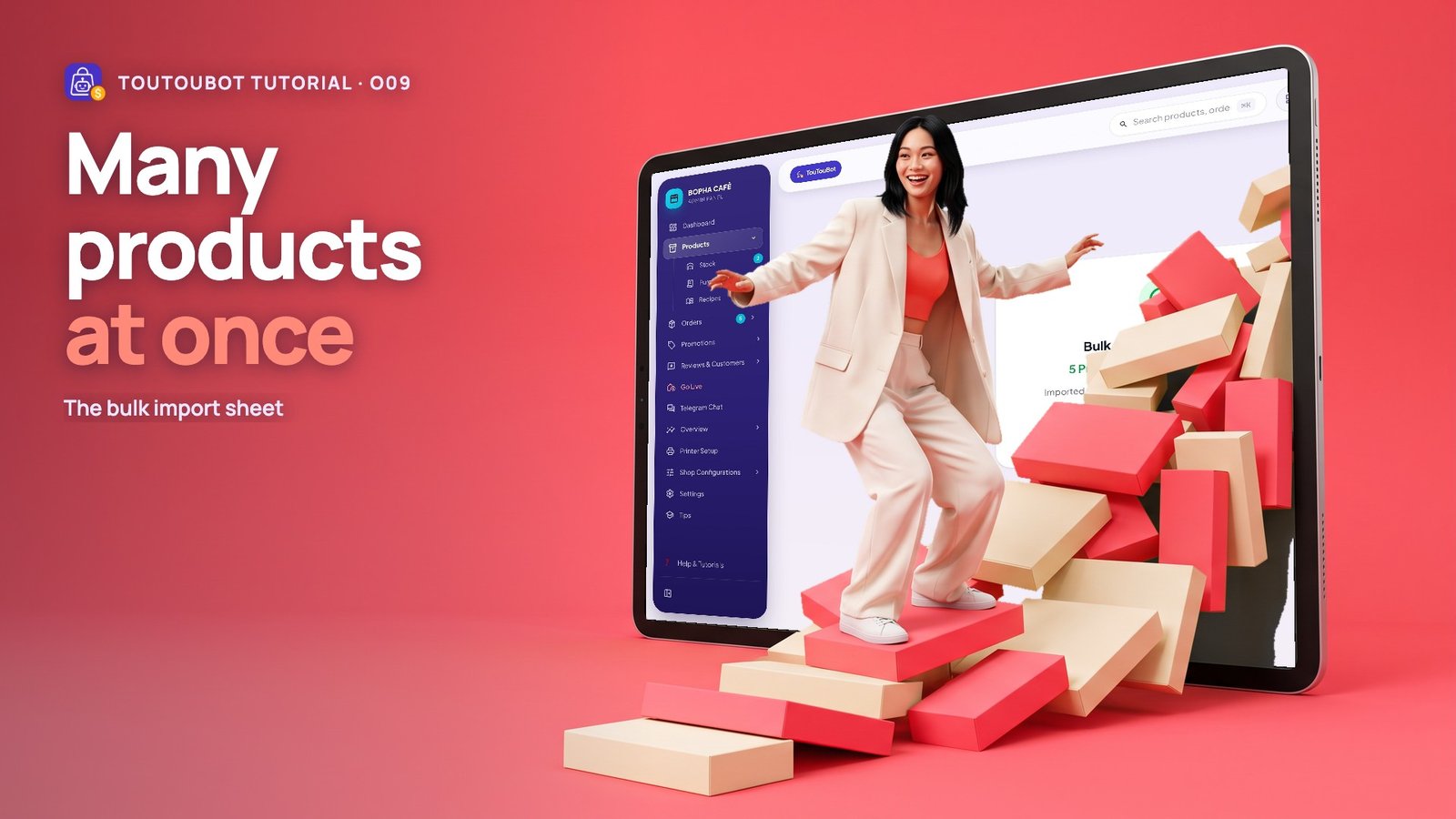
Many products at once: the bulk import sheet
O09
Clean photos and barcode labels: quick cutout, barcodes and the label designer
O10
03 · Chapter5 videos
Stock & purchasing
04 · Chapter5 videos
Getting paid & orders
05 · Chapter4 videos
The counter (POS)
Set up the counter: register, receipt printer, receipt footer and the riel rate
O20
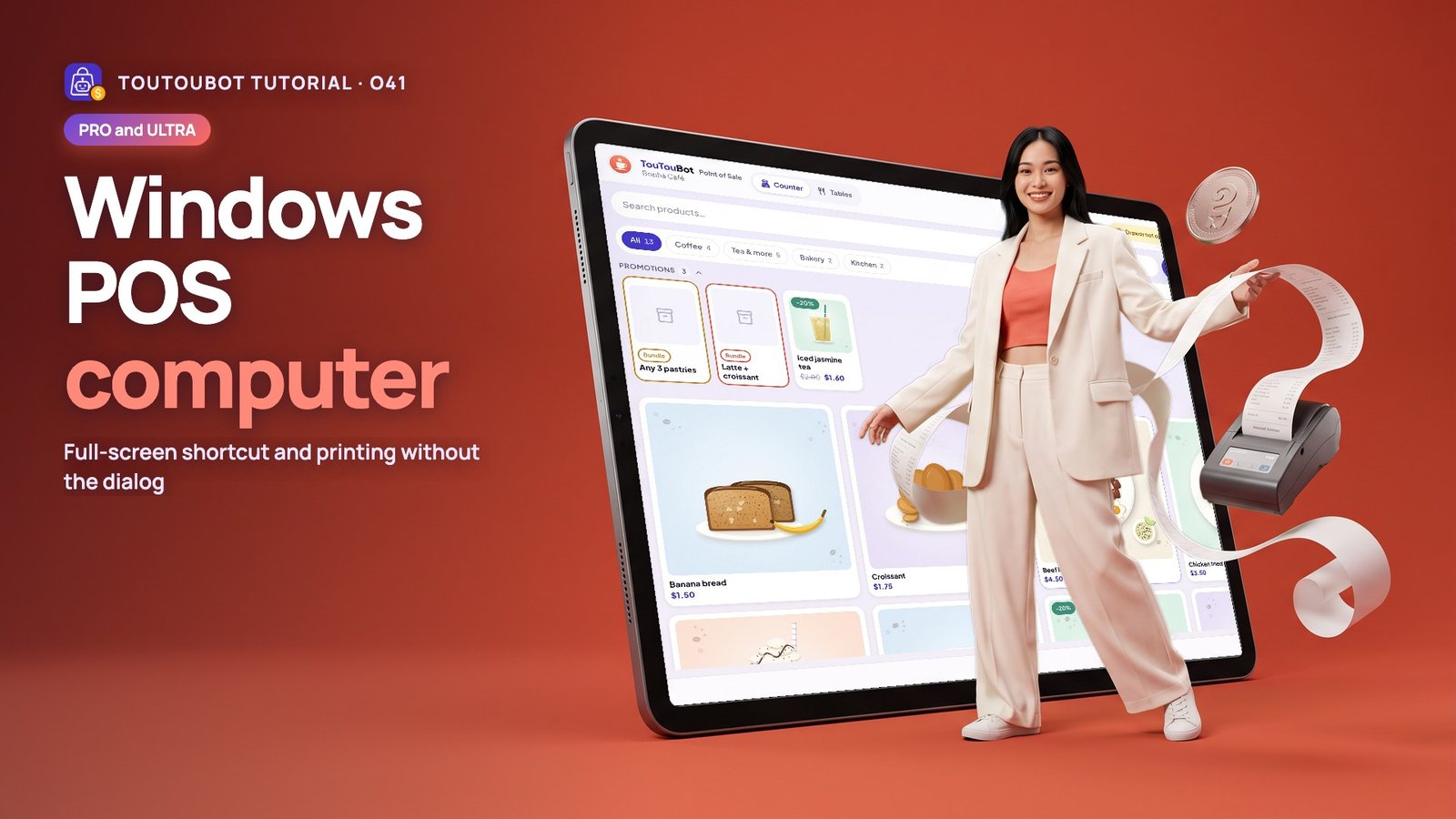
Windows POS computer: full-screen shortcut and printing without the dialog
O41
Your first counter sale: ring it up, take cash in dollars or riel, give change
O21
The cash drawer day: opening float, cash in and out, and a blind count at closing
O22
06 · Chapter2 videos
Restaurant mode
07 · Chapter2 videos
Your team
08 · Chapter3 videos
Chat & the AI assistant
09 · Chapter6 videos
Grow your sales
10 · Chapter3 videos
Money & reports
For your customers
Short videos you can forward to your customers: opening your shop, ordering, paying and tracking.

11 · Chapter10 videos
For customers: buying & extras
Open a shop: from its Telegram bot, a shared link, or PhsarThom
C01
Browse and choose: search, categories, colours and sizes
C02
Your cart: quantities, bundles, free gifts and promo codes
C03
Check out and pay: delivery details, review, pay by bank QR, send your screenshot
C04
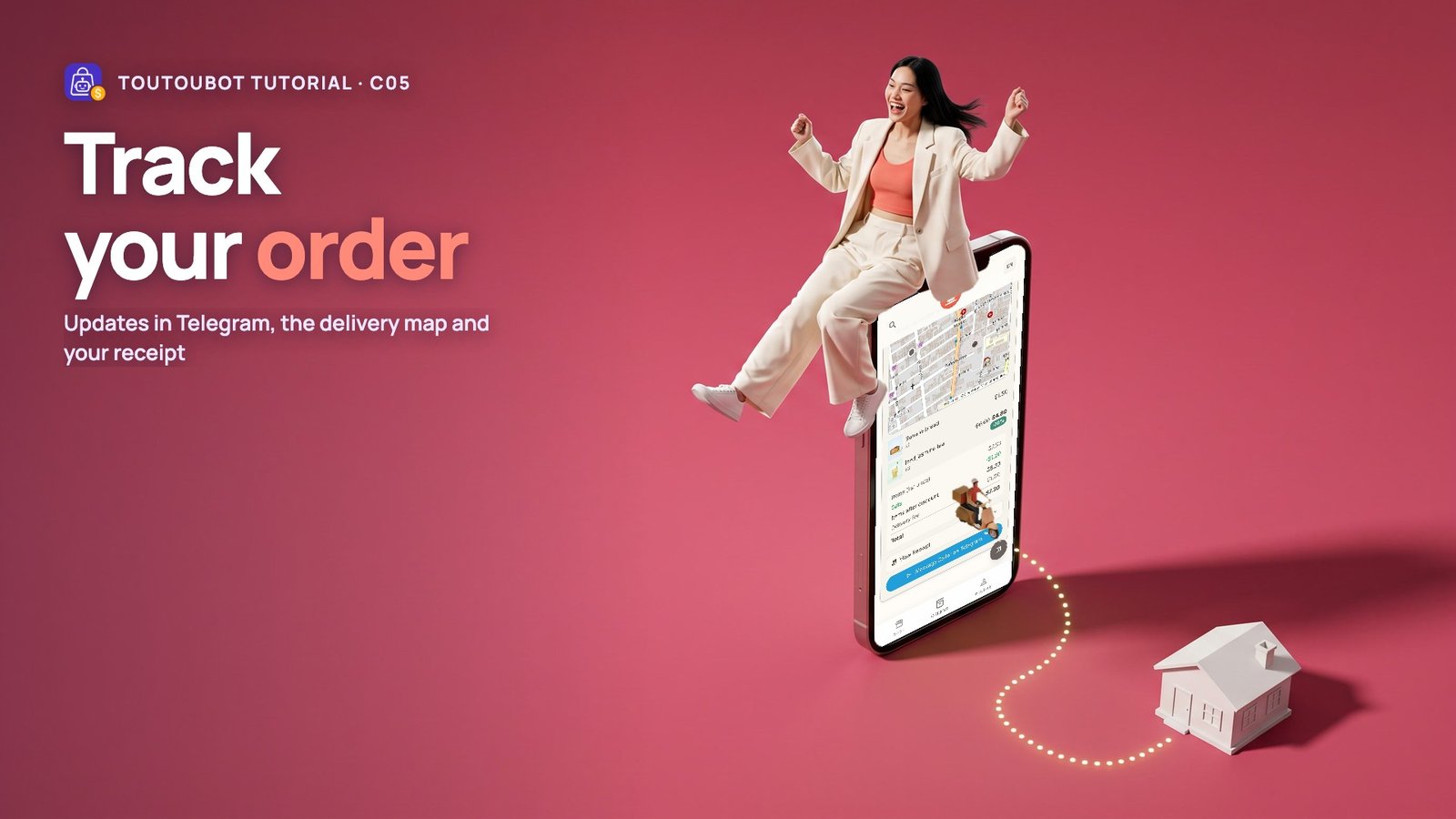
Track your order: updates in Telegram, the delivery map and your receipt
C05
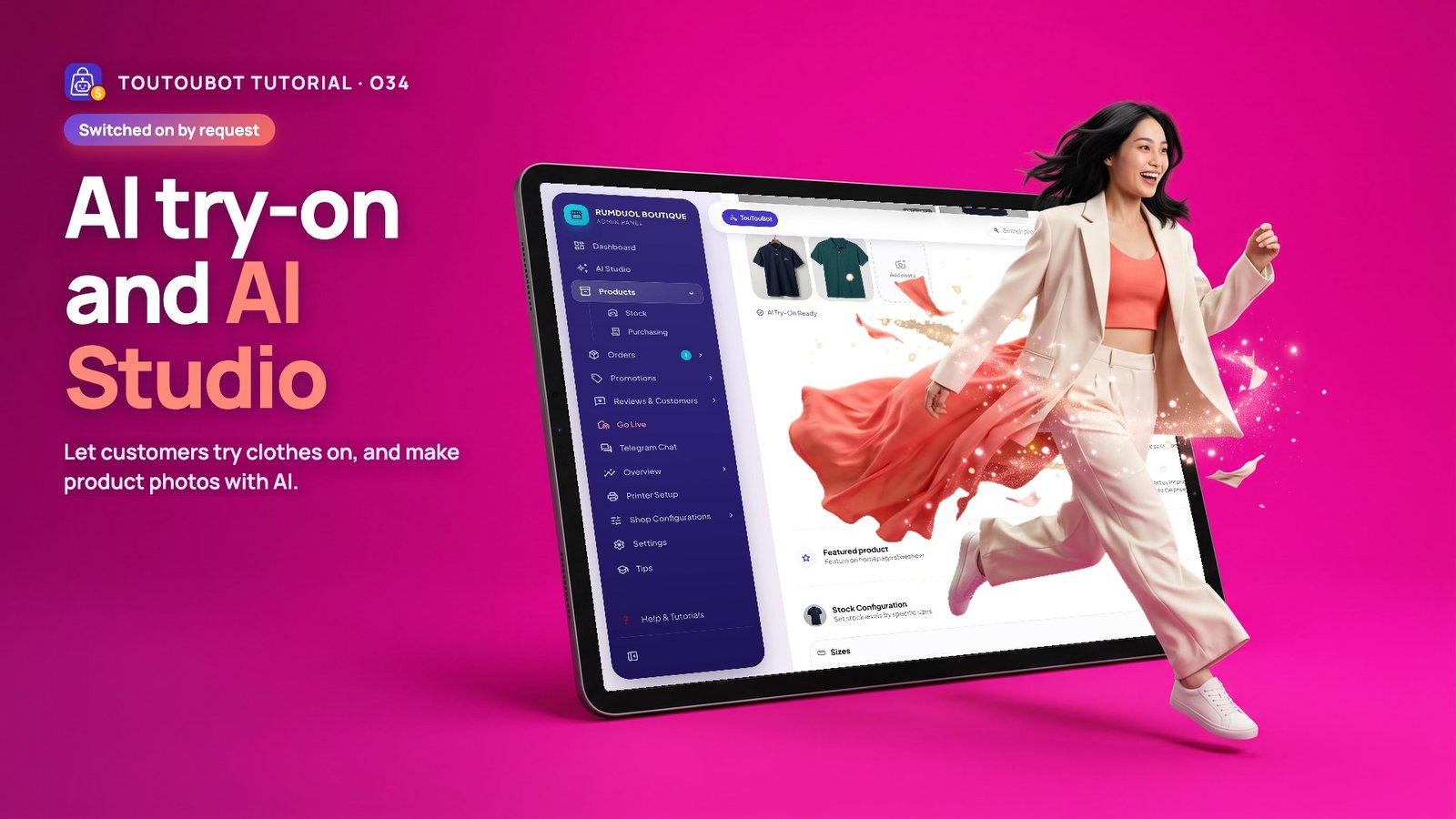
Try clothes on with AI: your photo, try on, credits and TouTou Pro
C06
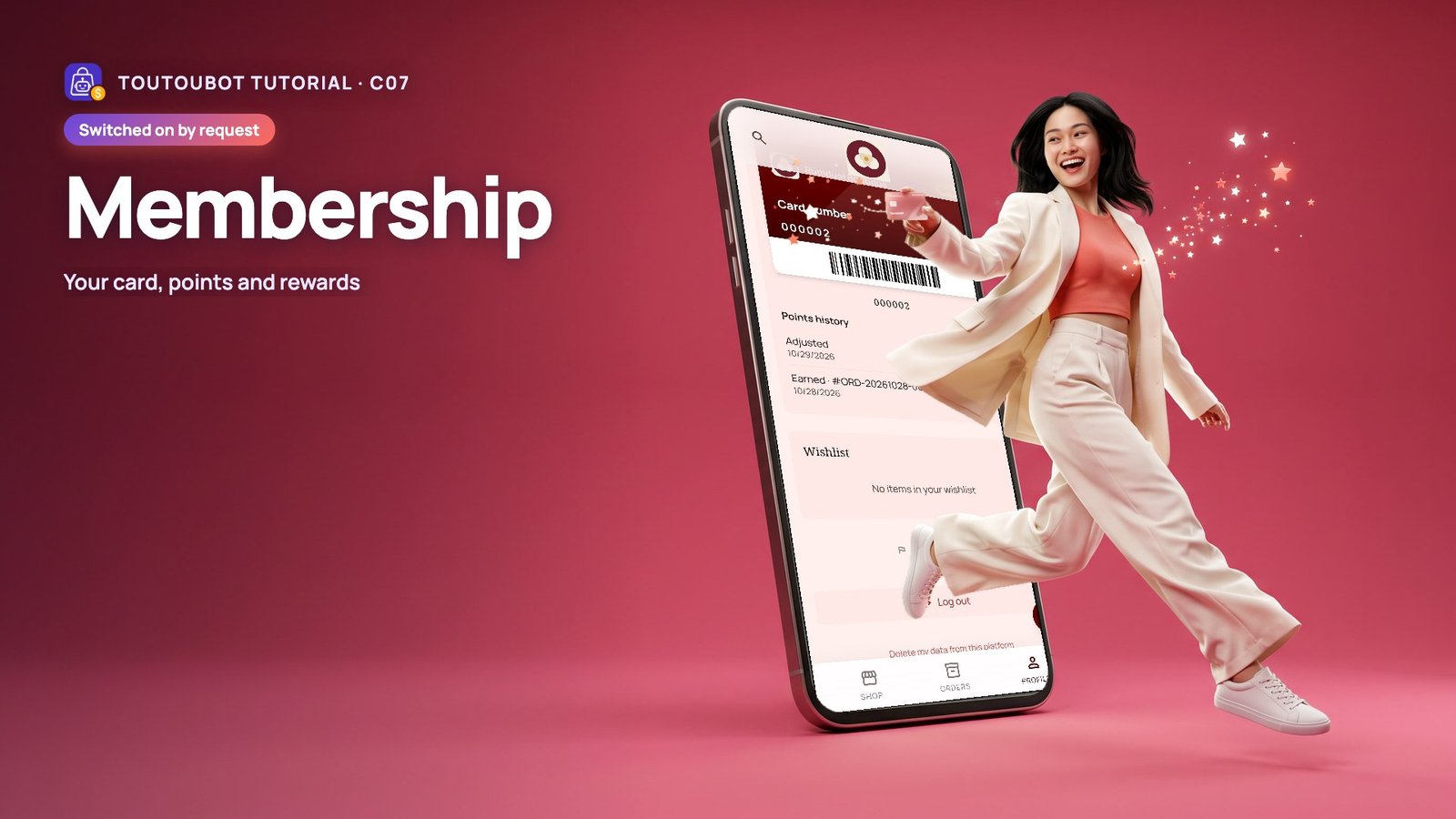
Membership: your card, points and rewards
C07
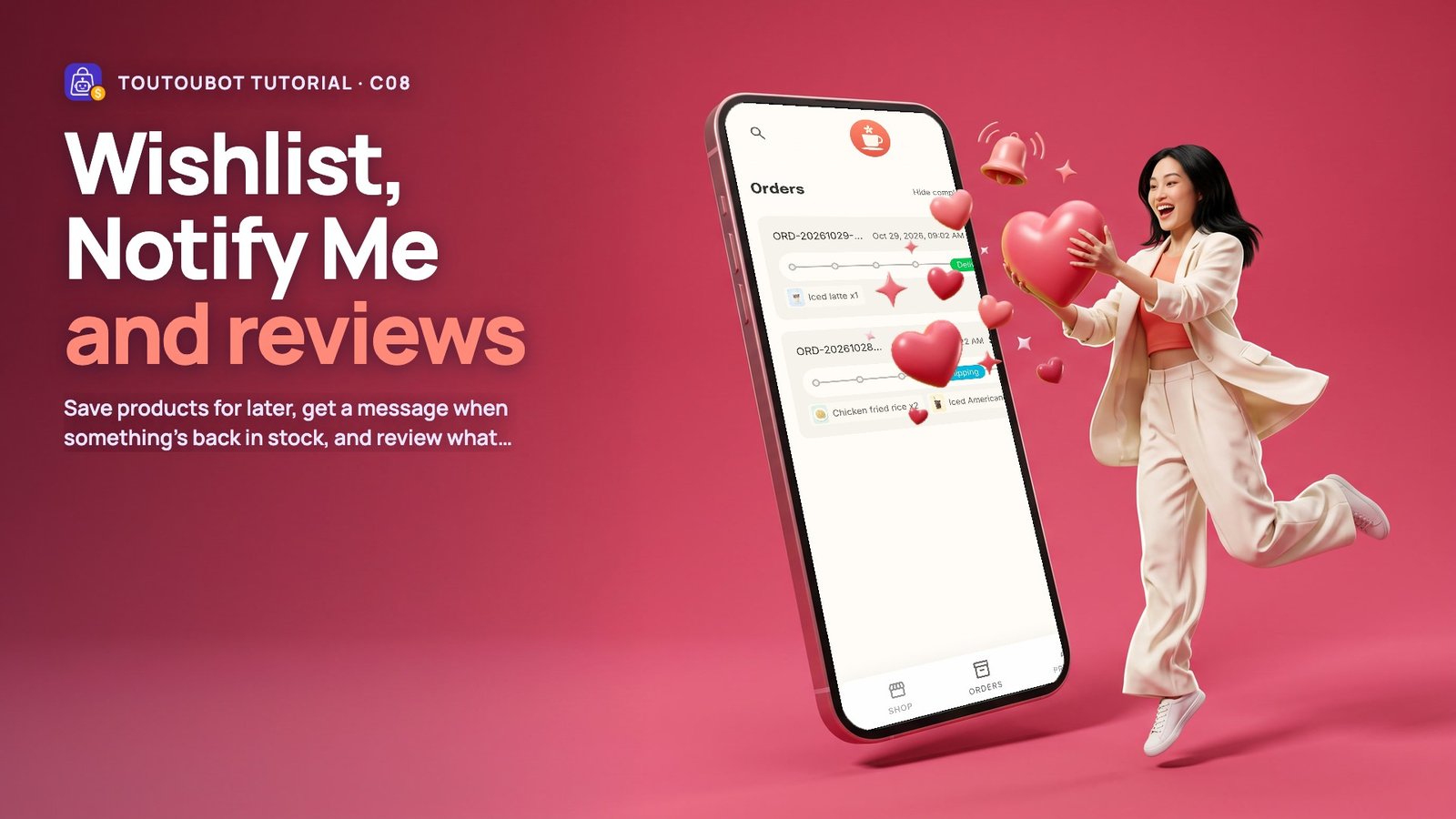
Wishlist, Notify Me and reviews
C08
Chat with the shop: the assistant, and reaching a person
C09
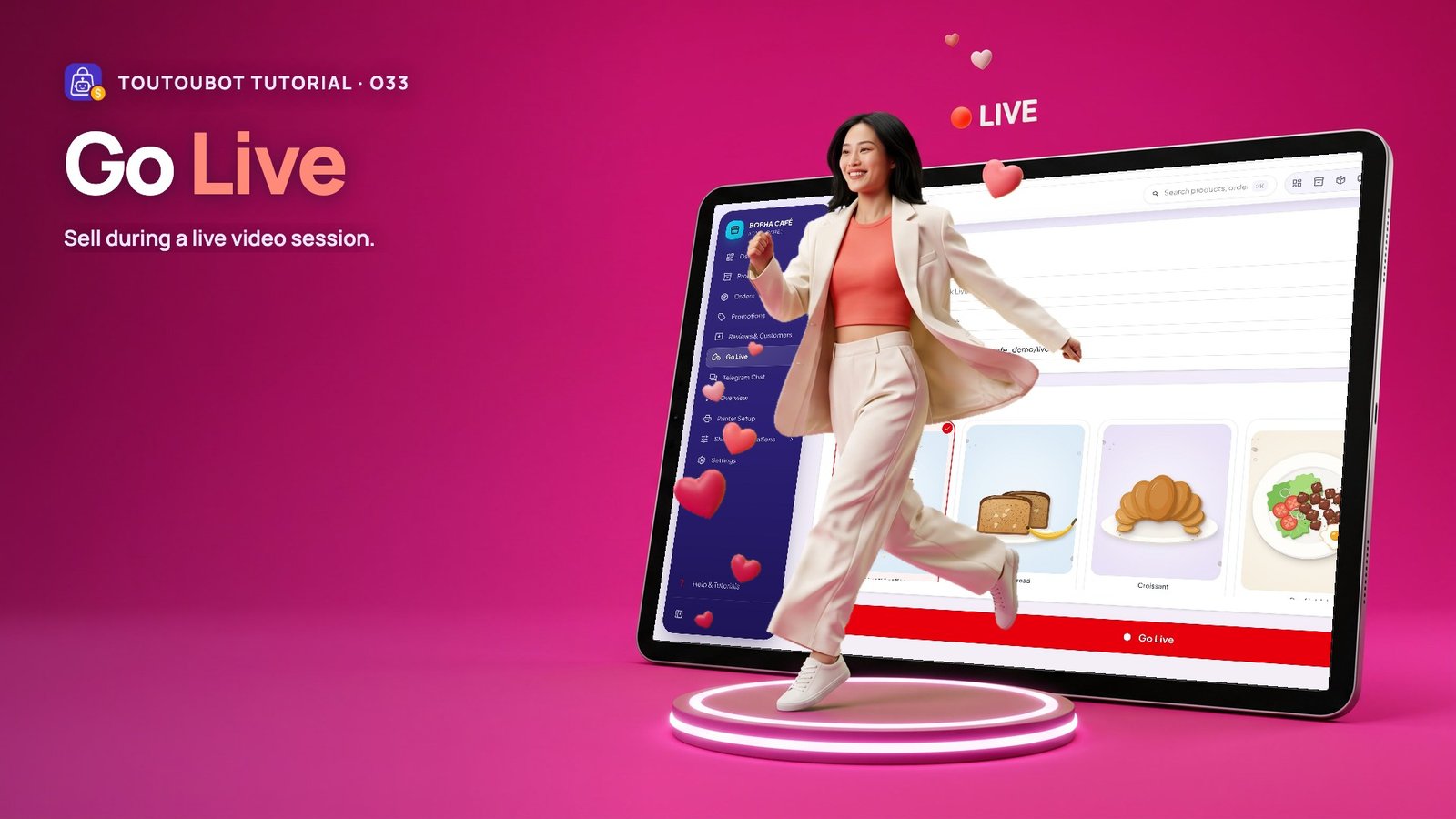
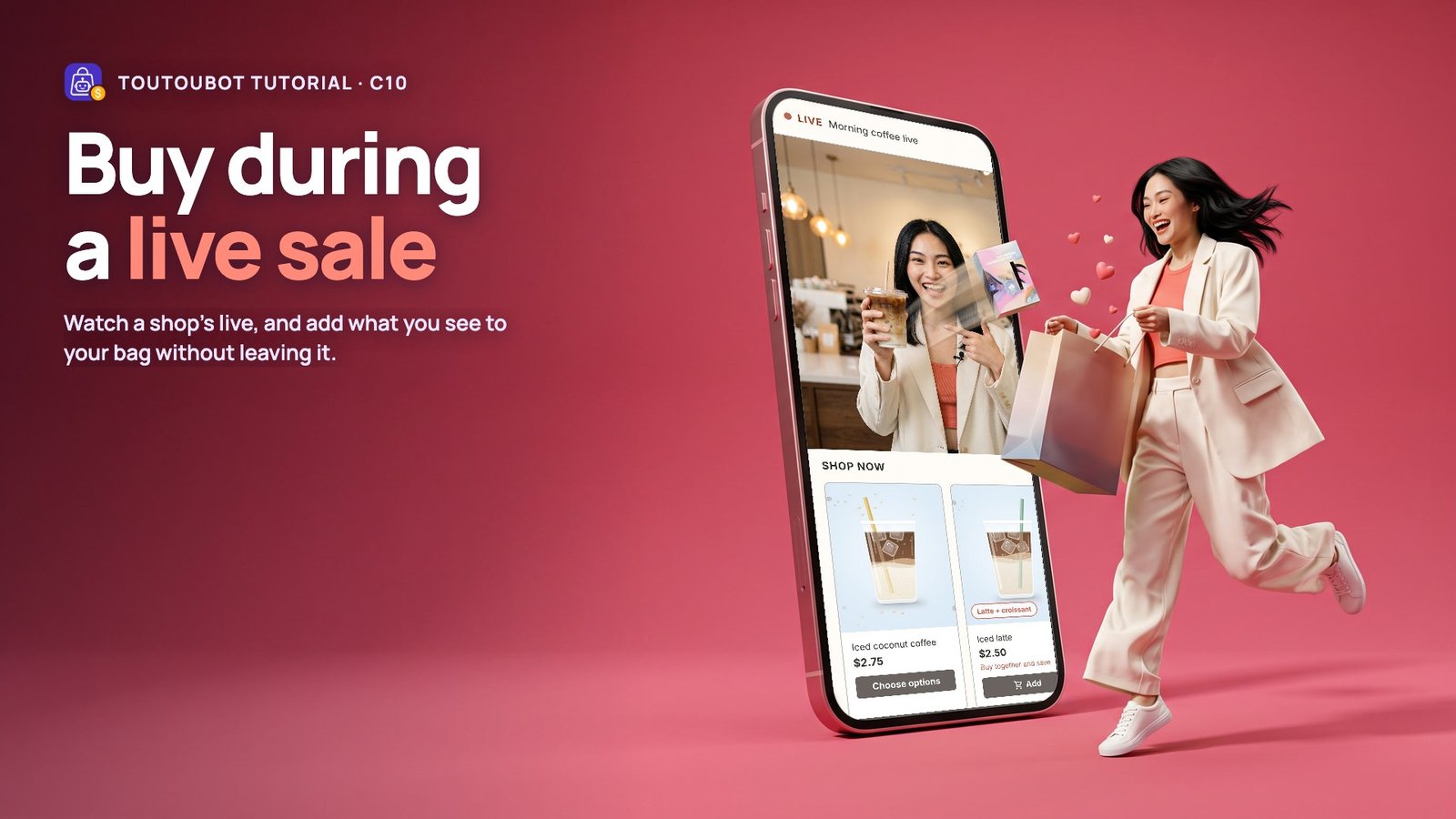
Buy during a live sale
C10